
Customer details connected to the right conversation
Open the customer record from the conversation that supplied its context.
Conversation-first CRM
Customer records stay connected to the conversations that created or changed them.
01 · What your team can see
Open the customer record from the conversation that supplied its context.
Keep lifecycle, responsible owner and the agreed follow-up independently reviewable.
Trace customer changes through a timeline instead of replacing history with a summary.
02 · From message to next action
Bring in a supported message or start with a Sandbox test.
Place the message beside the right customer details.
Use approved business rules and AI help to prepare the next step.
Keep the responsible person, history and next action visible.
03 · Product workflow
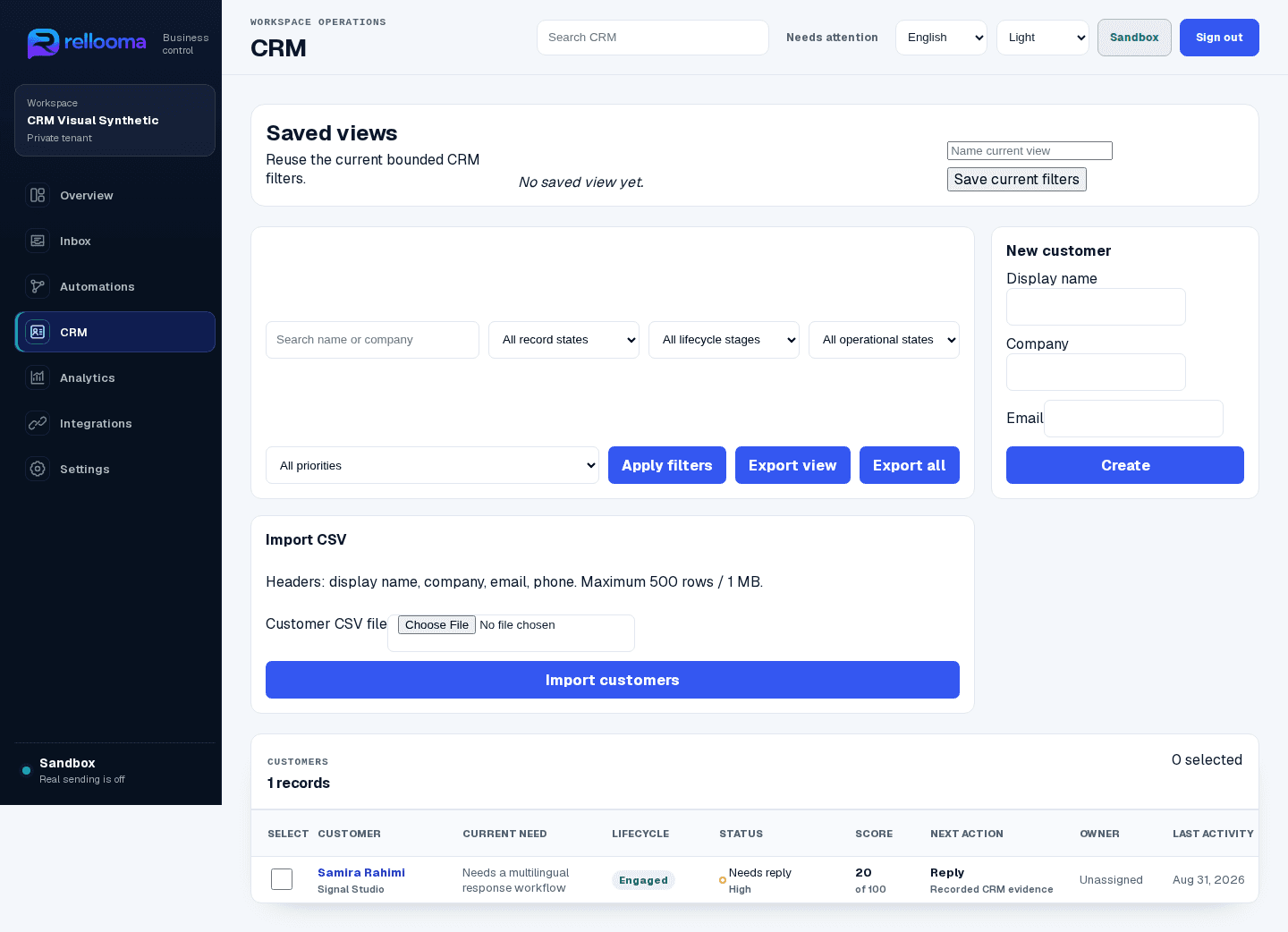
Sandbox product example · synthetic names · live sending off
04 · Where your team stays in control
Known customer details connect to the right record, while lifecycle, owner and conversation history remain clear and separately reviewable.
Security05 · What you need before live use
Start with a private workspace, approved business information and Sandbox tests. A live channel also needs eligible Meta assets, the required permissions and a final team review.
Help06 · Questions before connecting a channel
No. The connection, permissions, service window, business rules and responsible teammate must all be ready.
Uncertain, sensitive or approval-dependent work goes to a person with the conversation history attached.
07 · Create account
Create an account to explore Rellooma. Live use begins only after the channel, business rules and responsible teammate are ready.