
Sandbox-first draft builder
Start with a draft recipe in Sandbox rather than an active customer workflow.
Studio / Automations
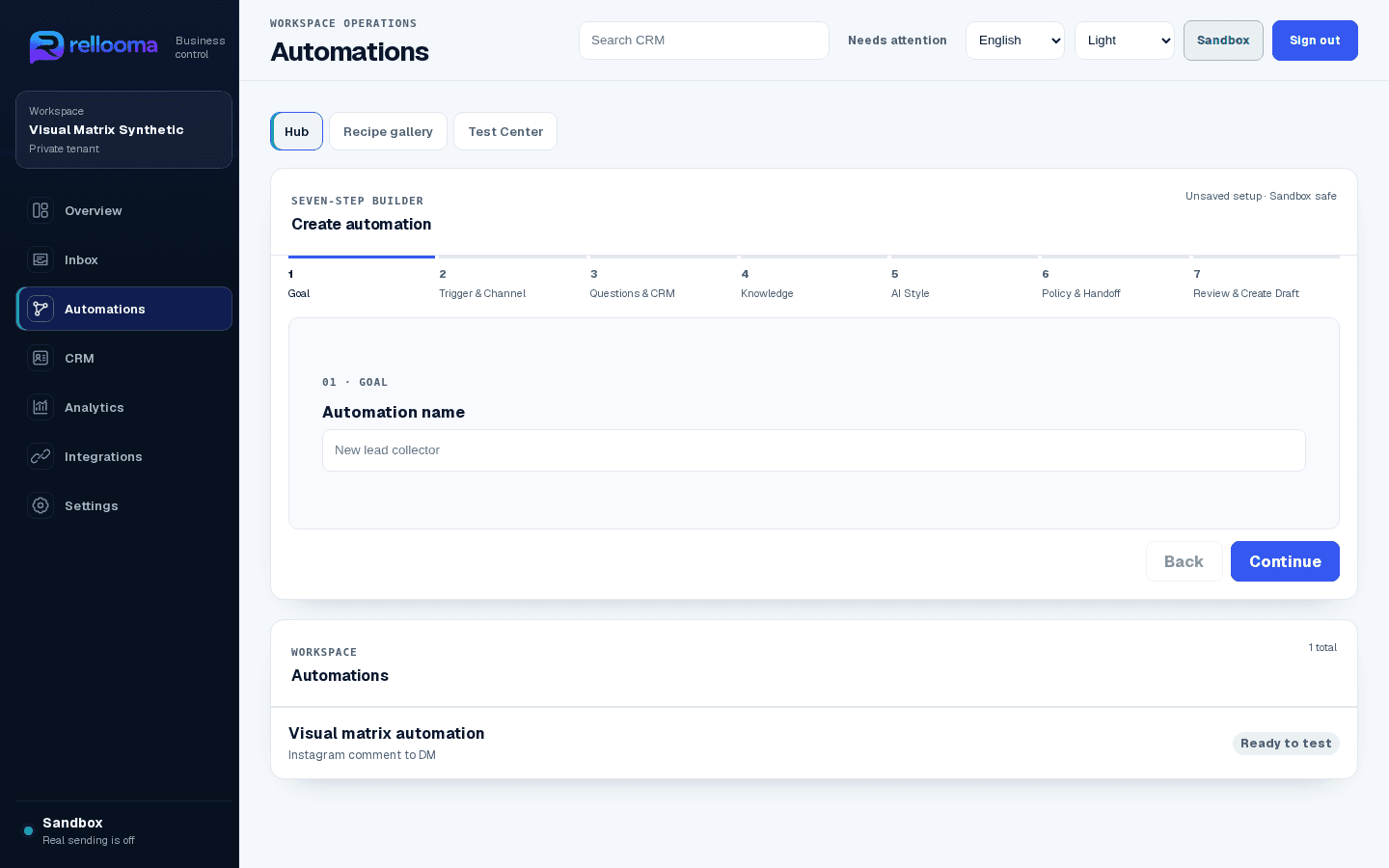
Studio shows what starts a flow, what to ask, what Rellooma may answer and when a person takes over.
01 · What your team can see
Start with a draft recipe in Sandbox rather than an active customer workflow.
Use reviewed business knowledge, policy and response style as the decision boundary.
Inspect expected and actual trace states, fix a defect and retest before activation.
02 · From message to next action
Bring in a supported message or start with a Sandbox test.
Place the message beside the right customer details.
Use approved business rules and AI help to prepare the next step.
Keep the responsible person, history and next action visible.
03 · Product workflow
Sandbox product example · synthetic names · live sending off
04 · Where your team stays in control
Build the steps, use approved business knowledge and test the full path in Sandbox before the team relies on it.
Security05 · What you need before live use
Start with a private workspace, approved business information and Sandbox tests. A live channel also needs eligible Meta assets, the required permissions and a final team review.
Help06 · Questions before connecting a channel
No. The connection, permissions, service window, business rules and responsible teammate must all be ready.
Uncertain, sensitive or approval-dependent work goes to a person with the conversation history attached.
07 · Create account
Create an account to explore Rellooma. Live use begins only after the channel, business rules and responsible teammate are ready.