
Eligible WhatsApp business account and phone number
Confirm the business account and phone number are eligible before connection.
WhatsApp integration
Bring supported WhatsApp conversations into Rellooma with customer context, ownership and connection requirements visible.
01 · What your team can see
Confirm the business account and phone number are eligible before connection.
Meta—not Rellooma—grants the access required to manage supported messages.
Consent, approved templates and the service window still govern outbound replies.
02 · From message to next action
Bring in a supported message or start with a Sandbox test.
Place the message beside the right customer details.
Use approved business rules and AI help to prepare the next step.
Keep the responsible person, history and next action visible.
03 · Product workflow
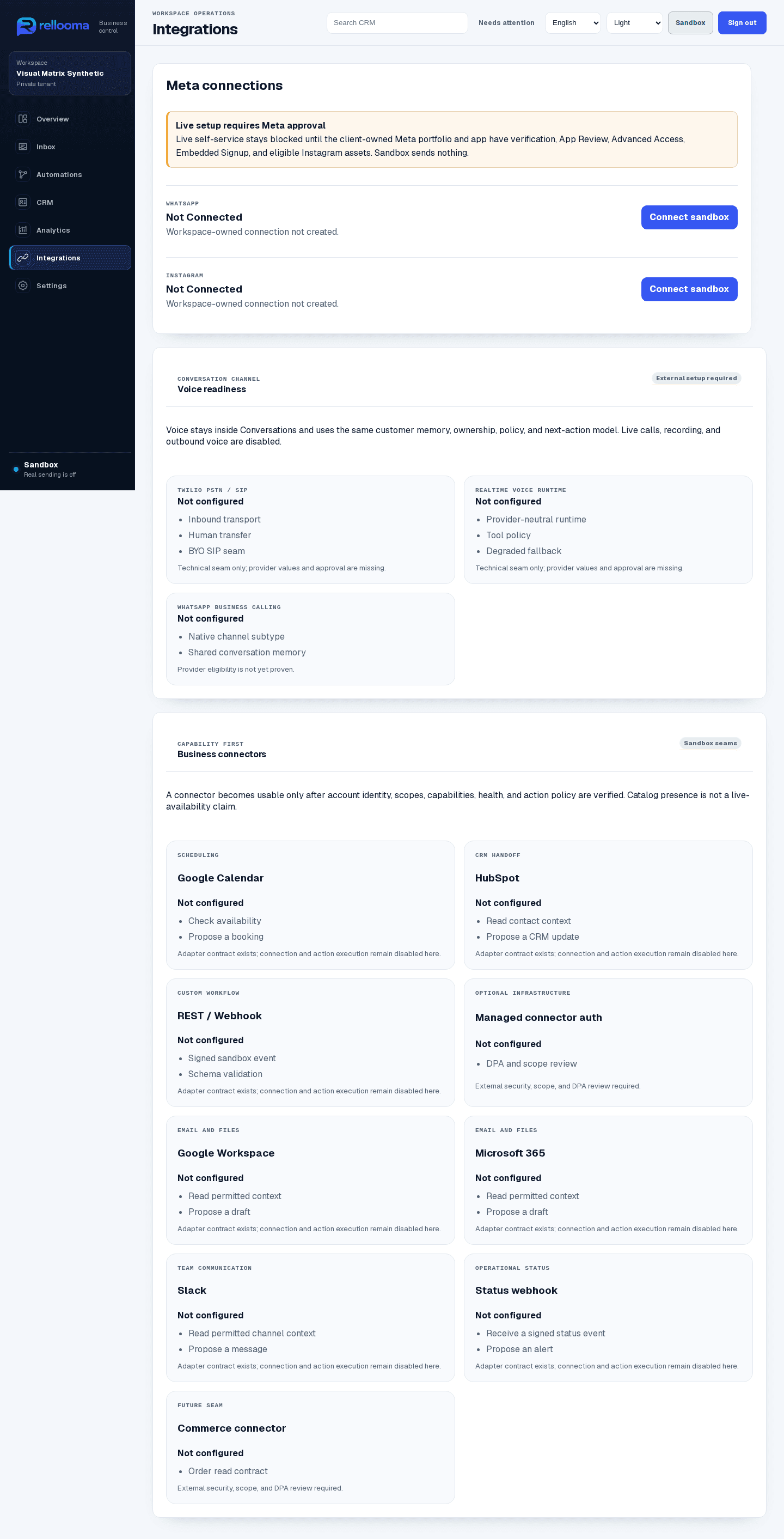
Sandbox product example · synthetic names · live sending off
04 · Where your team stays in control
After an eligible account is connected, Rellooma receives supported messages and keeps the channel source with the conversation.
Security05 · What you need before live use
To use WhatsApp live, connect an eligible business account and phone number through the approved Meta setup. Meta must grant the required access. Consent, approved templates and the active service window still control which outbound messages can be sent.
Help06 · Questions before connecting a channel
No. Meta and the business account control verification, permissions, templates and availability.
It shows the product's Sandbox integrations screen and its visible safety state. It does not prove Meta approval or a live WhatsApp connection.
07 · Create account
Create an account to explore Rellooma. Live use begins only after the channel, business rules and responsible teammate are ready.