
Inbound job
Recognize the stated issue and service window without diagnosing beyond approved knowledge.
Support workflow
Use approved facts for routine assistance and make uncertain or sensitive conversations easy to hand to a person.
01 · From inquiry to next action
Recognize the stated issue and service window without diagnosing beyond approved knowledge.
Bring customer history and active conversation state together for the reviewer.
Send work that needs careful review or remains unresolved to a person, with the reason visible.
02 · A practical workflow
Recognize the stated issue and service window without diagnosing beyond approved knowledge.
Bring customer history and active conversation state together for the reviewer.
Send work that needs careful review or remains unresolved to a person, with the reason visible.
Automation keeps uncertainty visible, leaves unresolved work open and follows channel rules.
03 · Example conversation
“My Instagram connection stopped receiving messages. What should I check?”
Rellooma workflow
Send work that needs careful review or remains unresolved to a person, with the reason visible.
04 · How Rellooma helps
The team can continue from shared context instead of piecing the request together again.
05 · What still needs a person
The quality of the result depends on current business information, channel access and a clear handoff rule.
06 · See the product
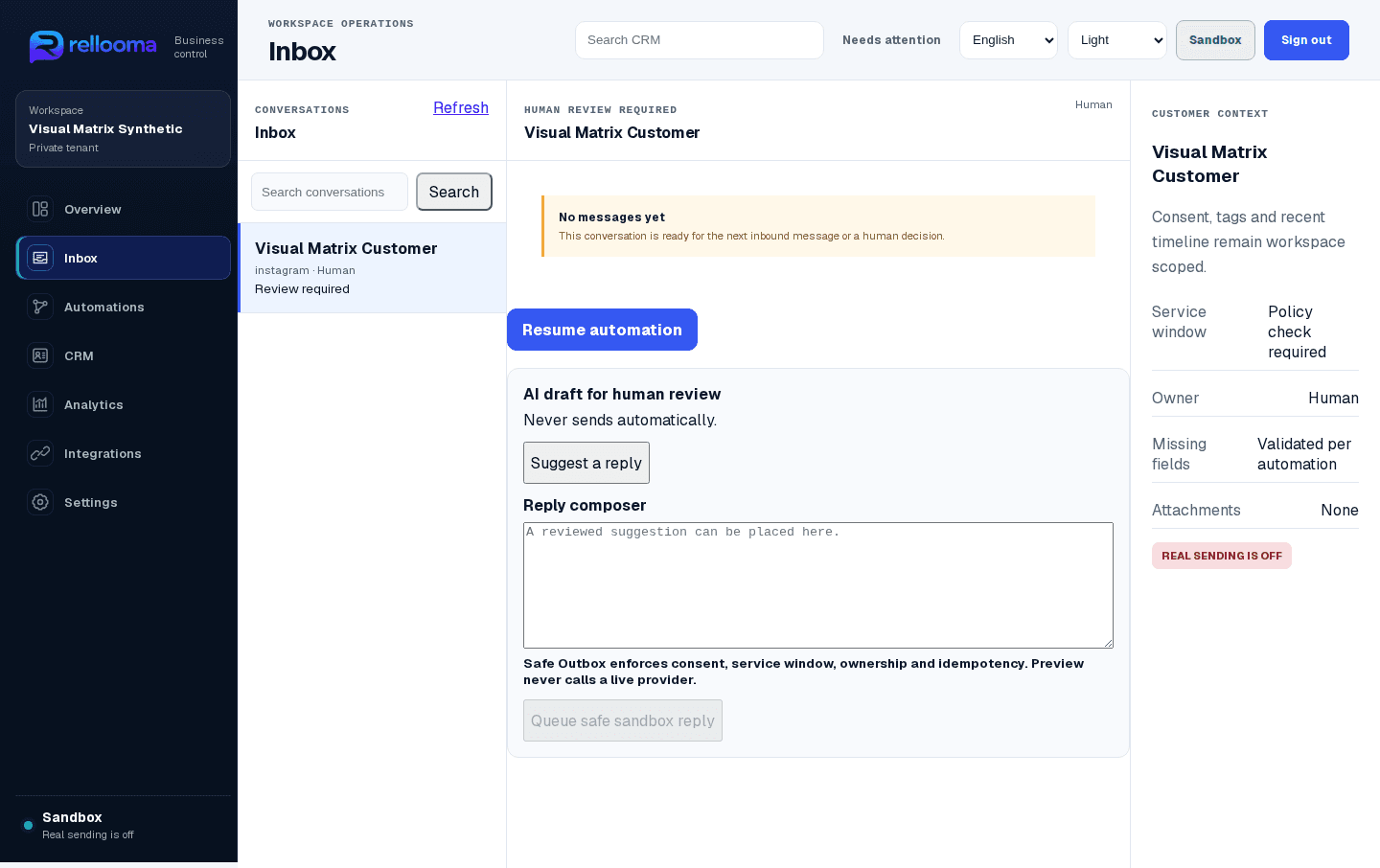
07 · Questions before adopting the workflow
No. Results depend on your channels, business information, team and the way you use the workflow.
No. Uncertain, sensitive or approval-dependent work should go to a person.
09 · Create account
The quality of the result depends on current business information, channel access and a clear handoff rule.